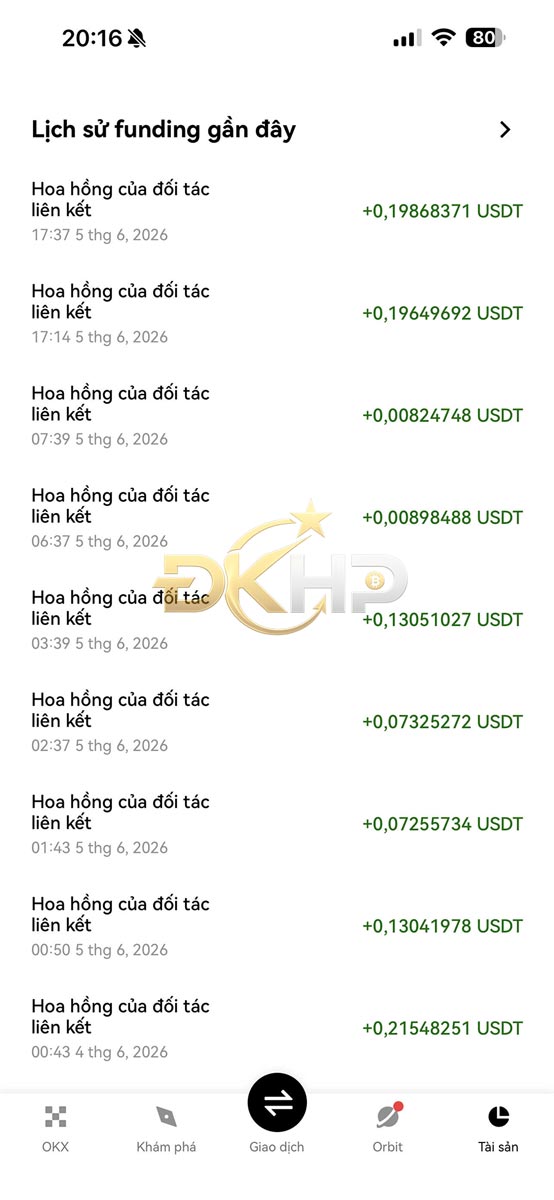
To check your fee rebates on OKX, simply log in to your account, navigate to the Assets section or the Rewards Center, and review your transaction history along with any rebate payments that have been credited.
In addition, you can view the Recent Funding History section to track detailed records of rebates, commissions, and promotional rewards that have been returned to your account. Checking regularly helps you stay informed about the rewards you’ve received and manage your OKX incentive programs more effectively.